
Scratch pencil sprite will create a spiral for you when you click mouse button. Follow these steps to create a fun spiral maker Scratch project.
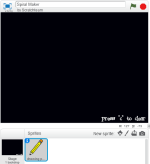
1. Start new Scratch project and add/draw a pencil sprite. (You’ll need to delete default cat sprite.)
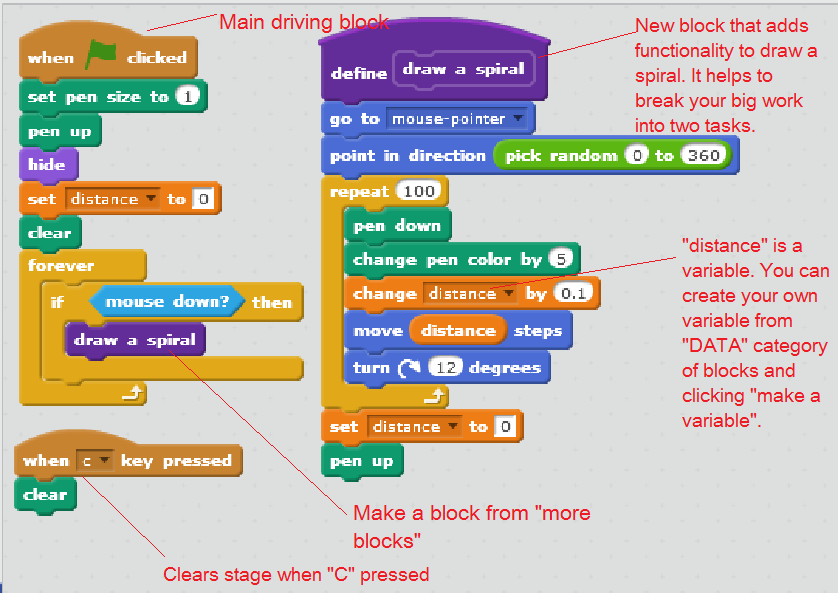
2. We want this pencil to draw a spiral when a player clicks a mouse button. To do that, add following script blocks for the Pencil sprite.
Important Concept to Learn : Modules (Functions)
In this project, you can see two big scripts. First, main script block does the starting work like setting pen size and hiding it. Now this script checks whether the mouse is clicked(mouse down condition) and “calls” draw a spiral block script. This block is created using “More Blocks”—>”make a block” category. This entire script can be placed inside mouse down condition of main script and it will do the same work. But this new block makes the script easier to read and understand and maintain.
 Programming for kids
Nice job
LikeLike